Receive separate sensors
The hub is designed to receive room cues from the separate Radar, everyday cues from Life and button events from Help. Choose the sensors separately for each home.
 LunaKareCARE AT HOME
LUNAKARE Sense / Home care hub
A standalone desktop hub designed to receive Radar, Life and Help cues, show device and event status, then pass events to Family for notification and follow-up. Add sensors as needed.
Find the right setup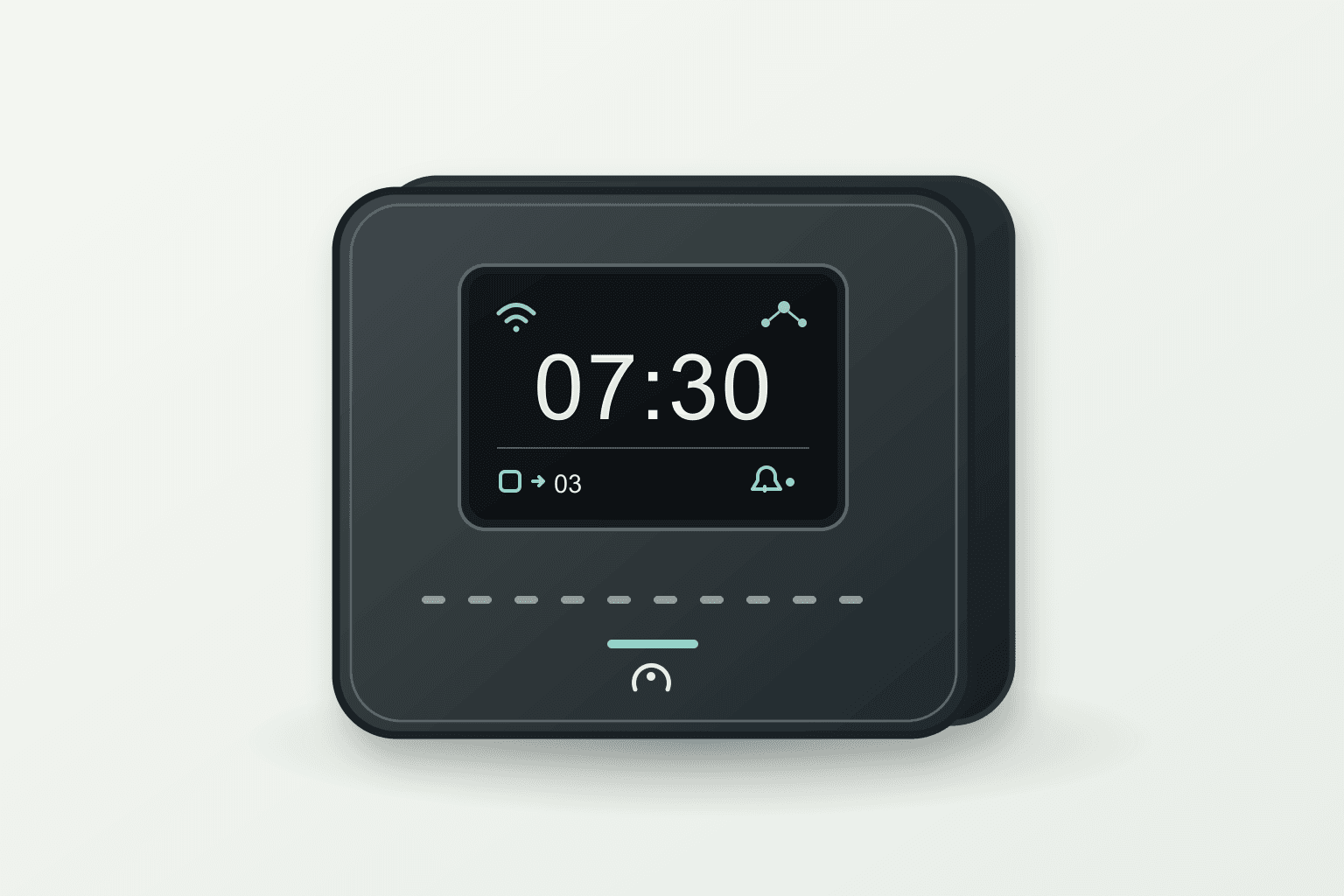
Home care hub
Sense has no built-in radar. LUNAKARE Radar is a separate flat wall-mounted product you can add for a room. Defined-area coverage and suspected-fall interpretation still require real-device validation.
Explore LUNAKARE Radar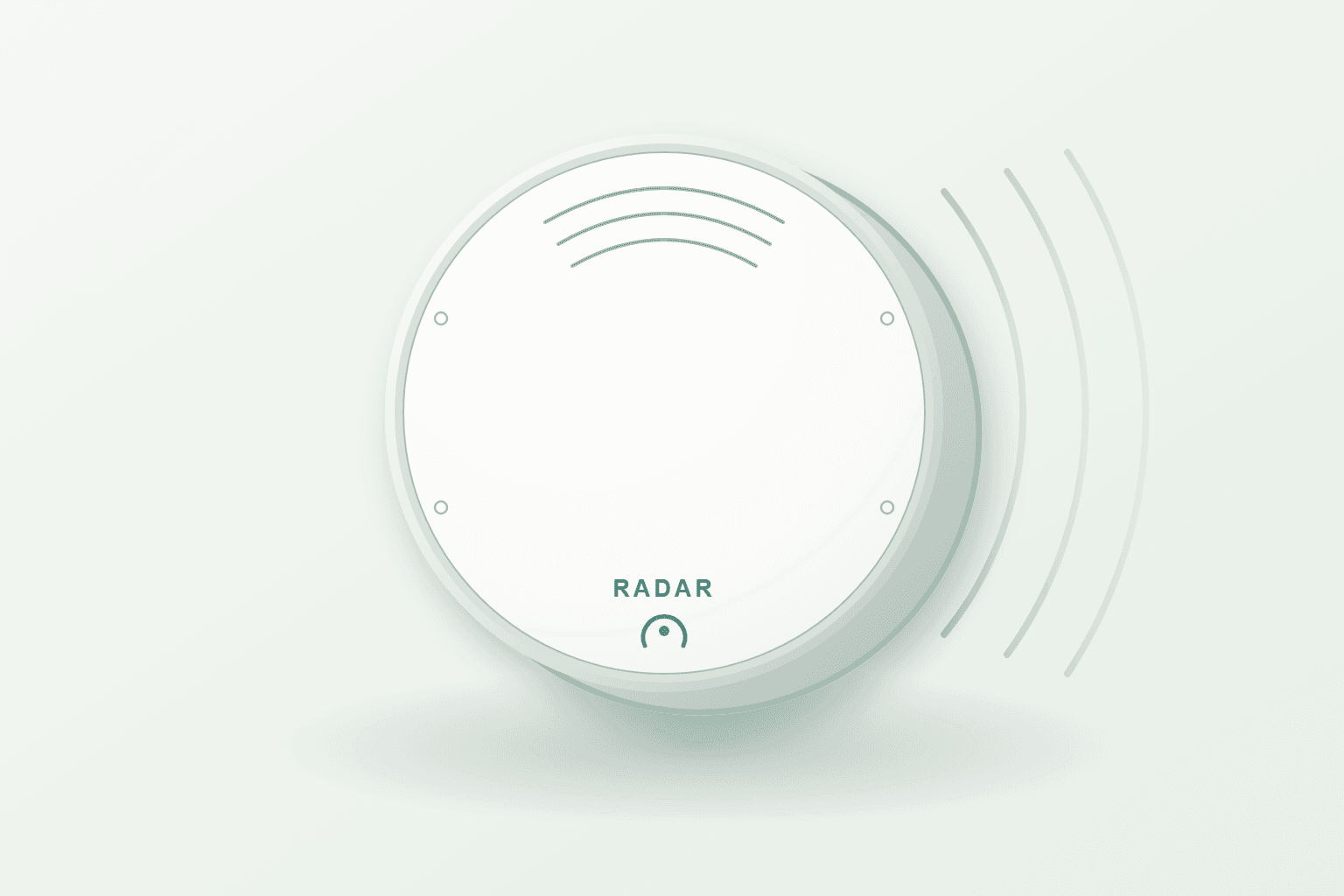
Sense is a standalone desktop receiving and display hub without built-in radar. It is designed to receive signals from the separate Radar, Life and Help products, show time, connections, battery status, recent events and missing data, then pass events to Family for notification and follow-up. Hub receipt, remote delivery and family response are distinct stages that still need device and service validation.
These are planned hub functions. Signal receipt, on-screen status and remote notifications require validation of the complete device and service.
The hub is designed to receive room cues from the separate Radar, everyday cues from Life and button events from Help. Choose the sensors separately for each home.
Events from each device are designed to retain their source and time. Missing data should appear as unknown, not be mistaken for reassurance.
The display is planned to show the time, device connections, battery status and recent events. No recorded event does not confirm that someone is safe.
Hub receipt, notification delivery and family follow-up are designed as separate states. Remote delivery and response still need end-to-end validation.
The display is planned to show time, connection and battery status, and recent events; missing data should be marked unknown.
Life provides object and bed cues, and Help lets residents press for assistance. Add the separate Radar product when defined-area activity is needed.
Events needing attention are designed to pass to Family for notification; hub receipt, delivery and family response are shown separately.
The hub can display only the cues it receives. A disconnected or silent sensor must not make “no events” appear to mean someone is safe.
A Help press or Radar event reaching the hub does not mean family has seen it or help is on the way. Remote delivery, family response and offline behavior still need validation.
These introductions explain product roles and combinations. Confirm actual features, accessories, service regions and conditions in the formal product and service descriptions.
Start with the care that matters most to your family.