Within comfortable reach
Start with places the resident uses often and choose a location that is easy to find and operate.
 LunaKareCARE AT HOME
LUNAKARE Help / Help button
Press to ask family for help, so they can follow up with a call or a visit.
Find the right setup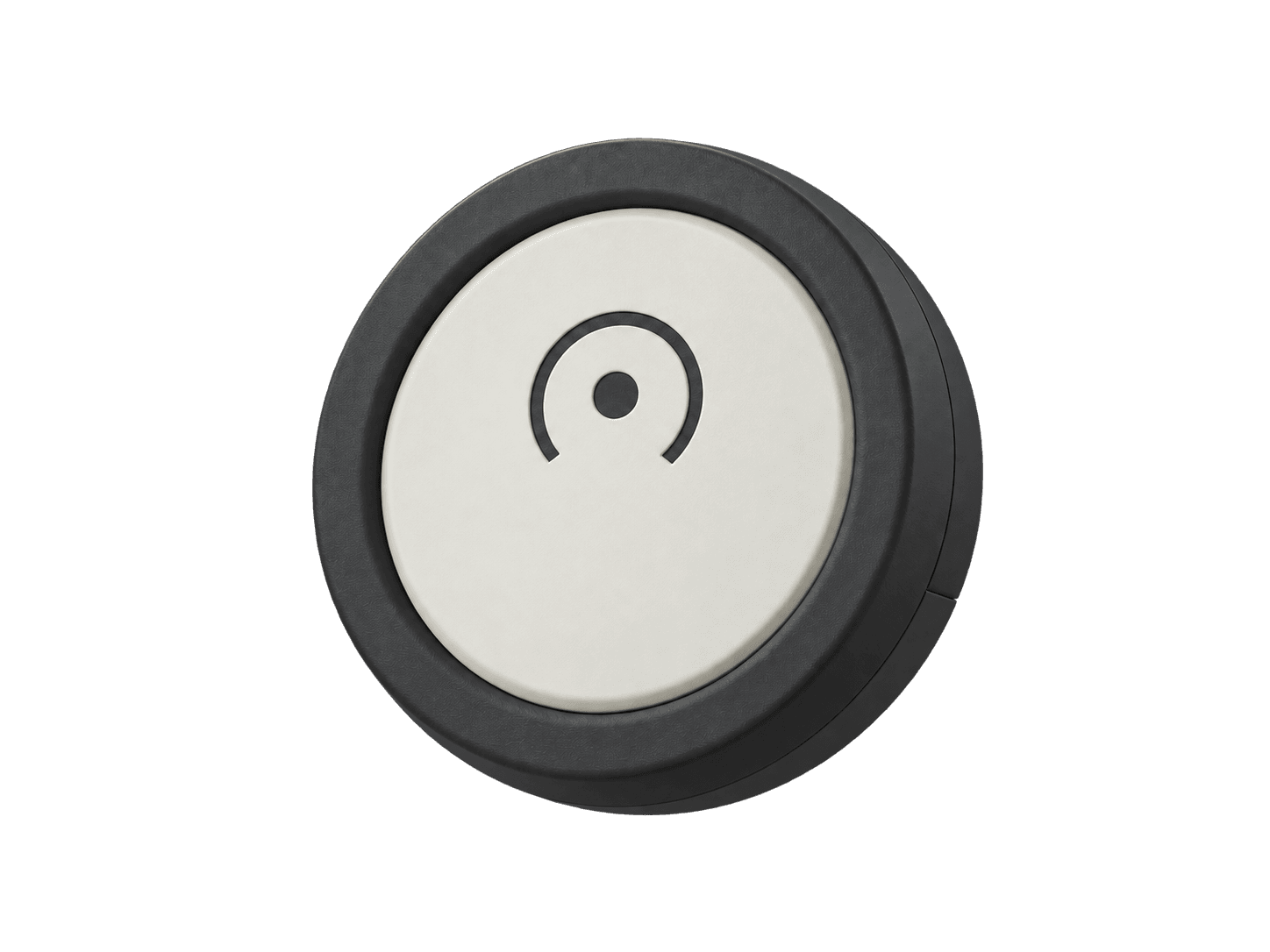
Help button
Help lets the resident initiate a request. Together with Sense and Family, it distinguishes the button press, hub receipt, notification and family follow-up.
Start with places the resident uses often and choose a location that is easy to find and operate.
When contact or help is needed, the resident presses the button to express that request.
Agree in advance on who will contact the resident and what to do after a notification arrives.
A button press, hub receipt, notification delivery and family follow-up are different stages. A delivered notification does not mean someone has acted.
Help does not dispatch professional responders or guarantee that someone will take every request. Families should agree on a separate contact plan if nobody responds.
These introductions explain product roles and combinations. Confirm actual features, accessories, service regions and conditions in the formal product and service descriptions.
Start with the care that matters most to your family.