Today and everyday records
Arrange available activity and everyday cues into readable records that provide context for recent routines.
 LunaKareCARE AT HOME
LUNAKARE Family / Family software service
Bring activity records, changes and family follow-up together, adding context to every check-in.
Find the right setup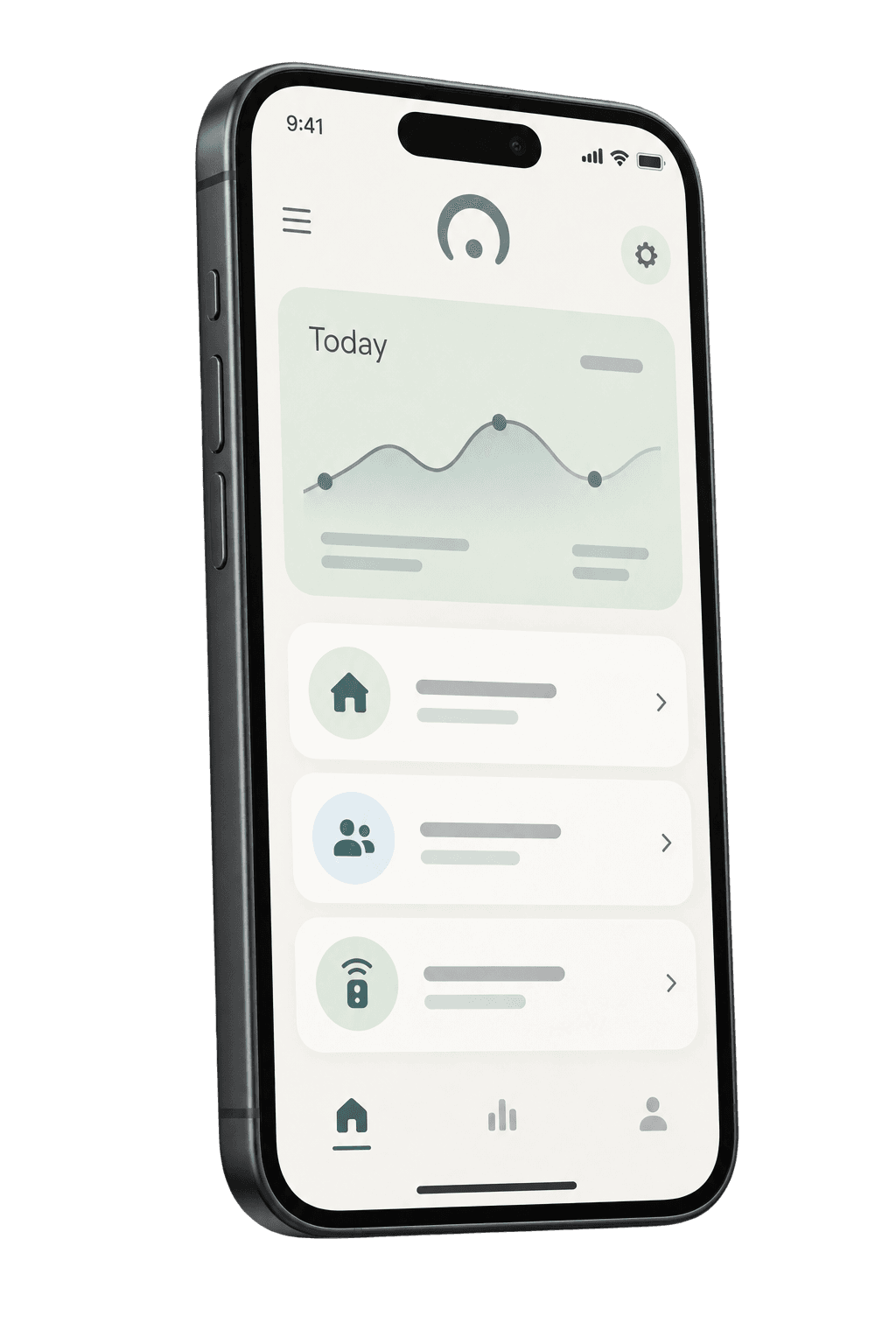
Family software service
Family is the software service that connects households and devices. It brings together daily records, events, family coordination and device information so family members can share the same context.
Arrange available activity and everyday cues into readable records that provide context for recent routines.
Distinguish changes worth checking from family follow-up, helping the household agree on who will make contact and what comes next.
Set sharing scope around family permissions and include device condition and maintenance needs in everyday reviews.
Insufficient data does not mean everything is normal. AI summaries organize existing evidence and do not turn everyday cues directly into conclusions about illness, diet or identity.
Website demonstrations explain use cases. They are not real household records or evidence that a notification or follow-up has occurred. Actual features follow the formal service description.
These introductions explain product roles and combinations. Confirm actual features, accessories, service regions and conditions in the formal product and service descriptions.
Start with the care that matters most to your family.