Radar activity and suspected falls
Defined-area cues; fall interpretation awaits device validation
LUNAKARE Radar LunaKareCARE AT HOME
From activity in selected spaces to movement at the bed and everyday objects, LUNAKARE brings daily cues together so family can check in with more context.
From walking to losing balance and falling, see the same movement illustrated as a point cloud alongside an example family care prompt.
Walking, losing balance, then falling
Points illustrate the shift from upright to lying down
Contact your family member to check the situation and arrange help as needed.
The separate Radar is designed to observe a defined space. Life bed pads and pucks add cues from the bed, doors, refrigerator and furniture. Sense brings device status together for Family to organize over time.
Defined-area cues; fall interpretation awaits device validation
LUNAKARE RadarAn under-mattress pad records pressure and bed-exit times
LUNAKARE LifeA shared puck logs when these objects move
LUNAKARE LifeAttach to furniture for everyday movement cues
LUNAKARE LifeRadar suspected-fall interpretation requires device validation. The Life puck records movement, not door status, eating or continuous sitting. Bed pressure does not establish sleep quality or sleep stages.
Four hardware products and one family software service: Sense is the receiving and display hub, the separate Radar offers defined-area activity cues, Life records everyday movement, and Help supports requests. Family is planned for notification and follow-up. Suspected-fall interpretation still needs validation.
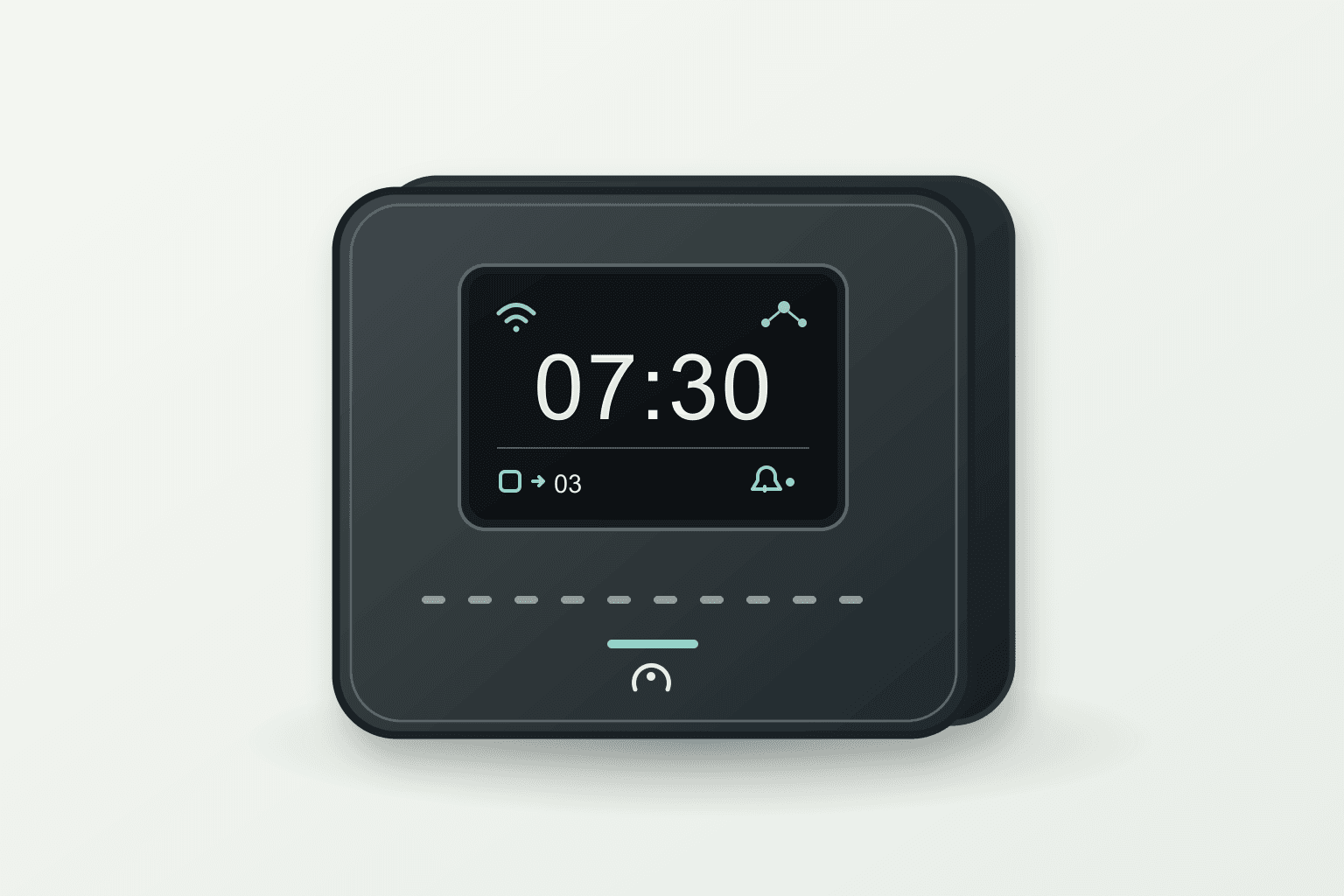
LUNAKARE Sense
The display hub is designed to receive signals from separate Radar, Life and Help products, show time, device and event status, then pass events to Family for follow-up. Add sensors as needed.
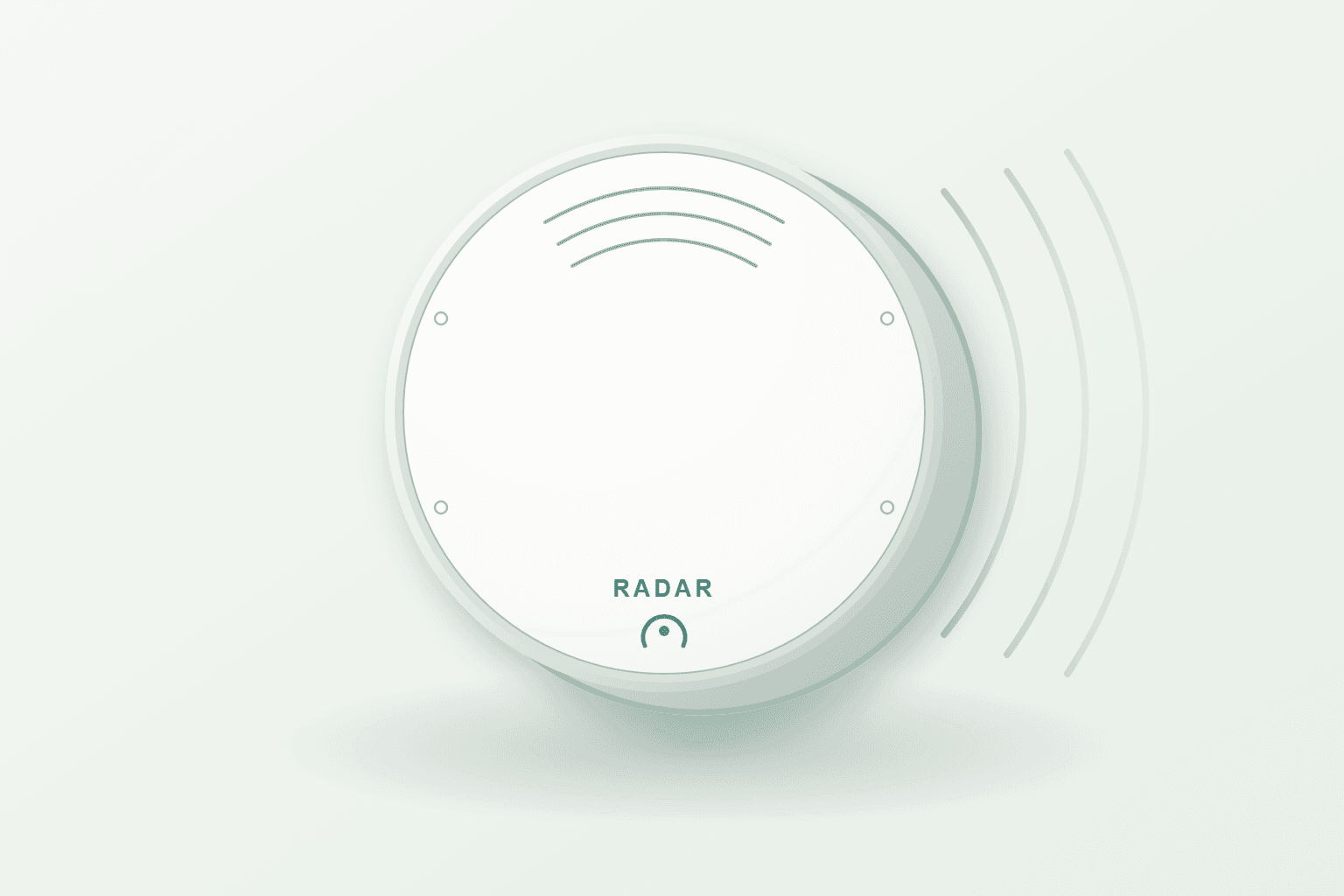
LUNAKARE Radar
A separate flat wall radar designed to observe movement and posture changes in a defined area and explore suspected-fall cues. Coverage and interpretation need in-home validation.
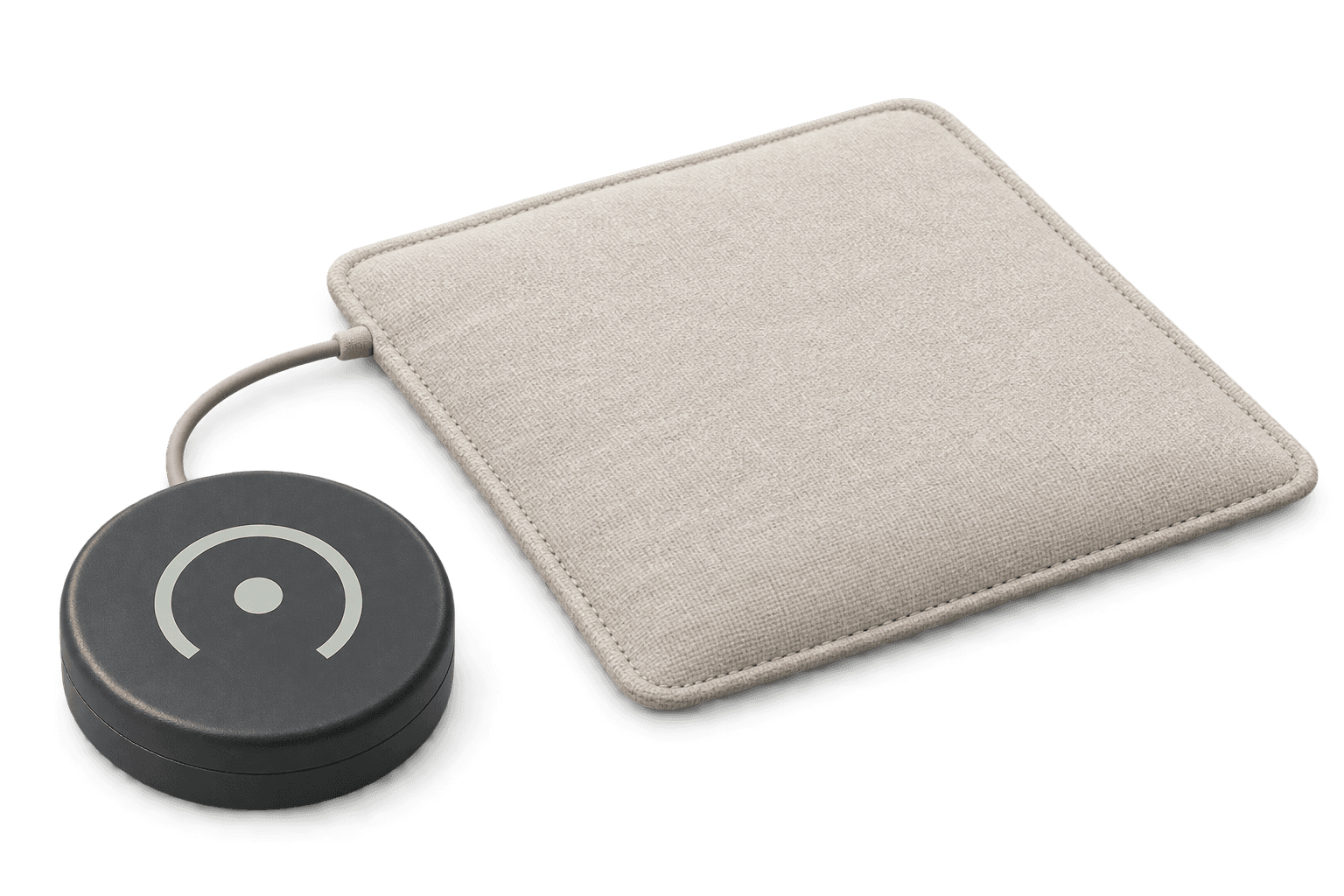
LUNAKARE Life
A shared puck records movement at doors, refrigerators, sofas, tables and chairs; an under-mattress pad adds bed-presence, exit and possible sleep-window cues.
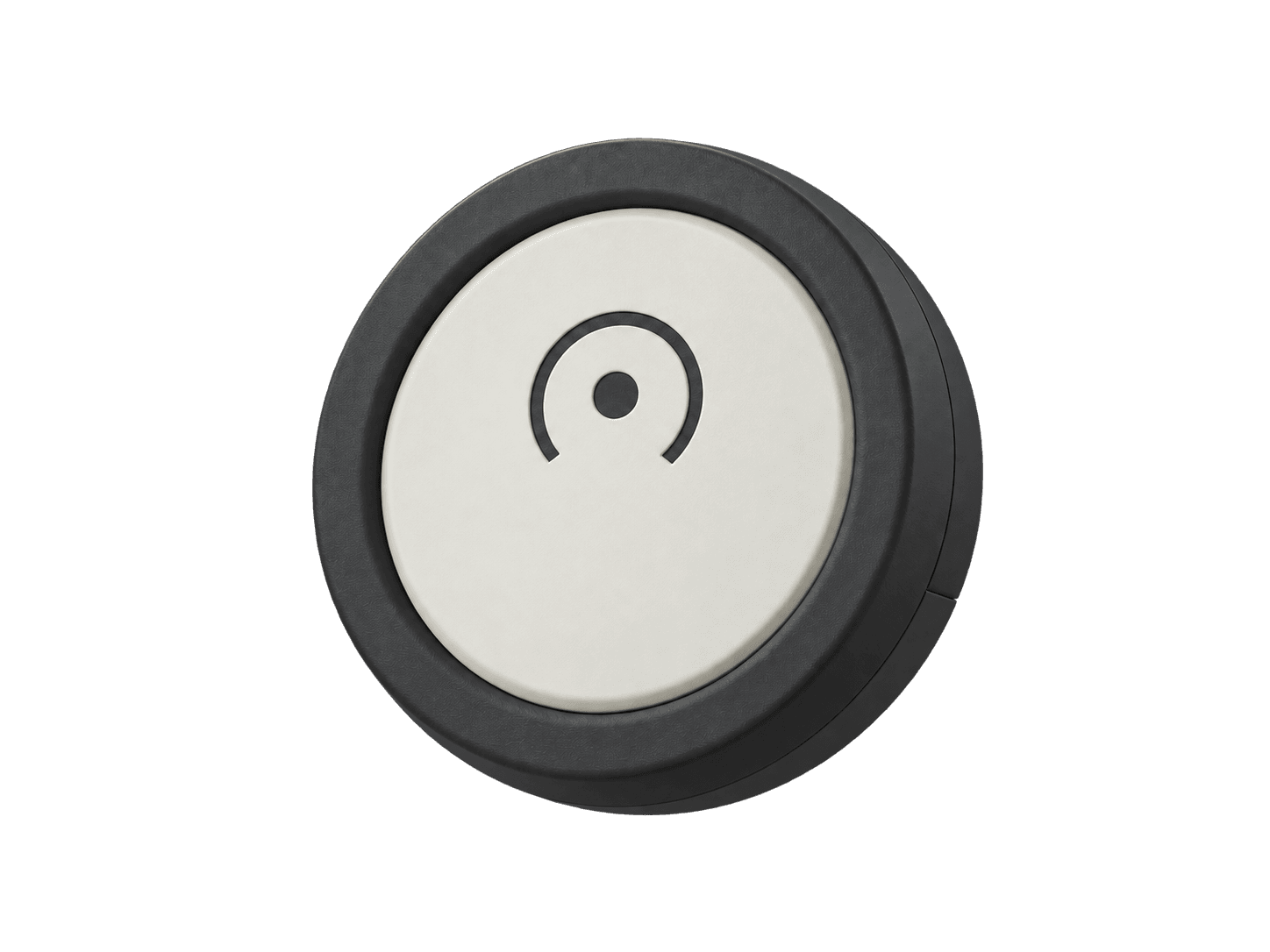
LUNAKARE Help
Press to ask family for help, so they can follow up with a call or a visit.
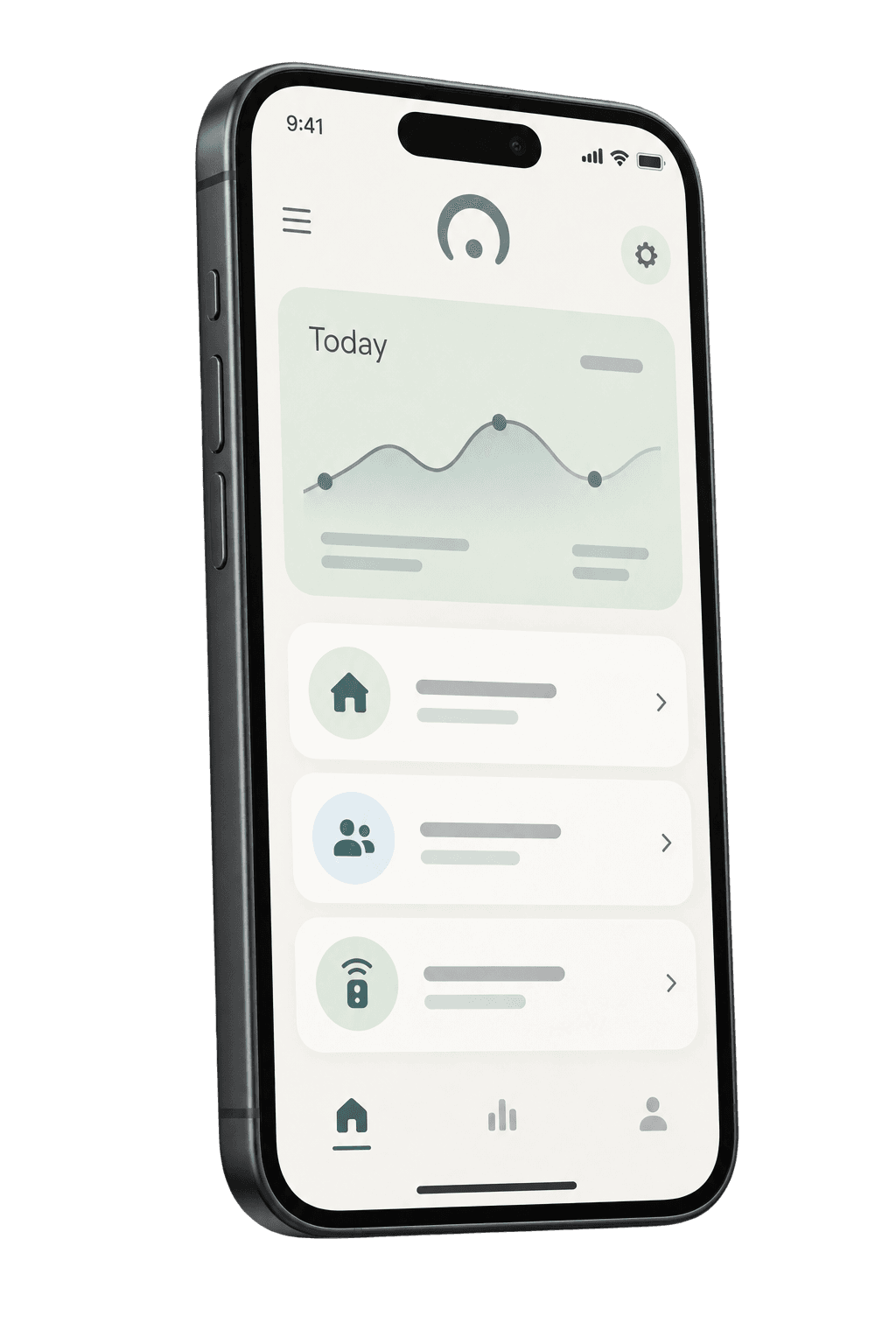
LUNAKARE Family
Bring activity records, changes and family follow-up together, adding context to every check-in.
From the first activity of the morning to changes through the day, Family brings the routine into a clear summary. Switch scenarios below to explore the family view.
September 2026 · Sample records in Taipei time
Close to the usual time, with the latest activity 1 hr 12 min ago. Today’s rhythm is familiar.
Suggested next step: Keep in touch with your usual family check-in routine.
From today’s first activity event
Based on prior complete days
Time since the latest activity event
All selected areas reported recently
Explore daily activity by area. Select a date to review its records and data completeness.
Today’s first activity event was close to the usual time. The latest event was 1 hr 12 min ago, below the two-hour demo reminder threshold.
Choose a space in the home activity map above, then see how daily signals become a clear family summary.
The separate LUNAKARE Radar is designed to observe activity in a defined area. Sense receives the cues for Family to organize daytime and nighttime context. Select a room to explore.
When activity begins, area activity records and changes in routine
Observation follows each area’s setup. Areas are shown separately, and missing data stays unknown.
Choose a Sense receiving hub, the separate Radar, a Life puck and bed pad, a Help button and Family software to fit the home and routine.
From the hallway and living room to the bedroom, LUNAKARE brings activity and rest into everyday records, giving family more context for a thoughtful check-in.
Leaving the bedroom in the morning or moving around in the afternoon offers a glimpse of the day’s rhythm.
The separate Radar is designed to observe a defined hallway area. Sense receives the cues for Family to organize as timing context for a check-in.
Watching TV, sitting together or getting up to do something enjoyable—ordinary moments help tell the day’s story.
Radar is designed to observe a defined living-room area, while a Life puck on the sofa adds furniture-movement cues. Sense receives both; neither proves someone remains seated.
Bed presence, exit and return provide a timeline of pressure changes across the night.
A thin Life pressure pad in a chosen area under the mattress records pressure and release. These are bed and rest cues, not proof of sleep, sleep quality or stages.
What sounds good for dinner? A small everyday cue can make a check-in feel more personal.
A Life puck on the refrigerator door records movement cues for daily routines; it does not confirm whether the door is open or what was eaten.
Doors and chairs move throughout the day, leaving useful timing cues.
Attach the same Life puck to a moving door panel or furniture structure to log movement times. It does not continuously report door state or identify who entered or sat down.
A simple way to say “I need help,” with clarity for family about who will follow up.
Help is designed for the resident to request assistance. Sense receives the button event and Family distinguishes notification from family follow-up; actual delivery and response still require device and service validation.
Bring daytime activity, nighttime rest and requests for help into one family view. LUNAKARE makes the records easier to understand and the next check-in easier to arrange.
The separate Radar is designed to observe a defined part of a hallway, living room or bedroom. Sense receives its cues for Family to organize alongside device status over time, giving relatives context for a check-in.
The Life bed pad is designed to record pressure changes in a chosen part of the mattress for Sense to receive. If Radar is also configured, its defined-area activity cues can add context for a check-in the next day.
The resident presses Help to request assistance from family. Family shows notification and response status separately. Agree who will call and who can help nearby, so everyone knows their role.
Explore the family demoReview daily records and device status
Have the agreed family member call
Ask a nearby contact to help when needed
Choose the hallway, living room or bedroom routines that matter most to your family.
Match devices, accessories and placement to the space and everyday habits.
Agree with family on how to review records, check in and follow up.
Care that fits everyday life.
No. Combine the four hardware products and Family software to suit your home; add the separate Radar when defined-area activity matters.
This lineup uses radar, movement and pressure cues without camera video. The illustrated radar point cloud is not an image and does not identify a person.
No. Sense is the receiving and display hub with no built-in radar. Radar is a separate flat wall unit that can be added for a room. Their connection and notification flow still need validation.
The hub is designed to receive Radar, Life and Help cues, show the time, device connections and events needing attention, then pass them to Family for notification and follow-up. Hub receipt, remote delivery and family response are separate states; the full flow still needs validation.
Family is designed to organize Radar and Life cues received by Sense over time, alongside device status. Routine comparisons need enough data and context about placement and schedule changes; missing data is not no activity.
Yes. Space and routine sensors do not identify individuals, so visitors may also create activity records. Consider travel, nights away and schedule changes. When something is unclear, contact the resident and use the records to start a conversation.